Step 1
Script
An idea becomes a narrated script split into scenes.

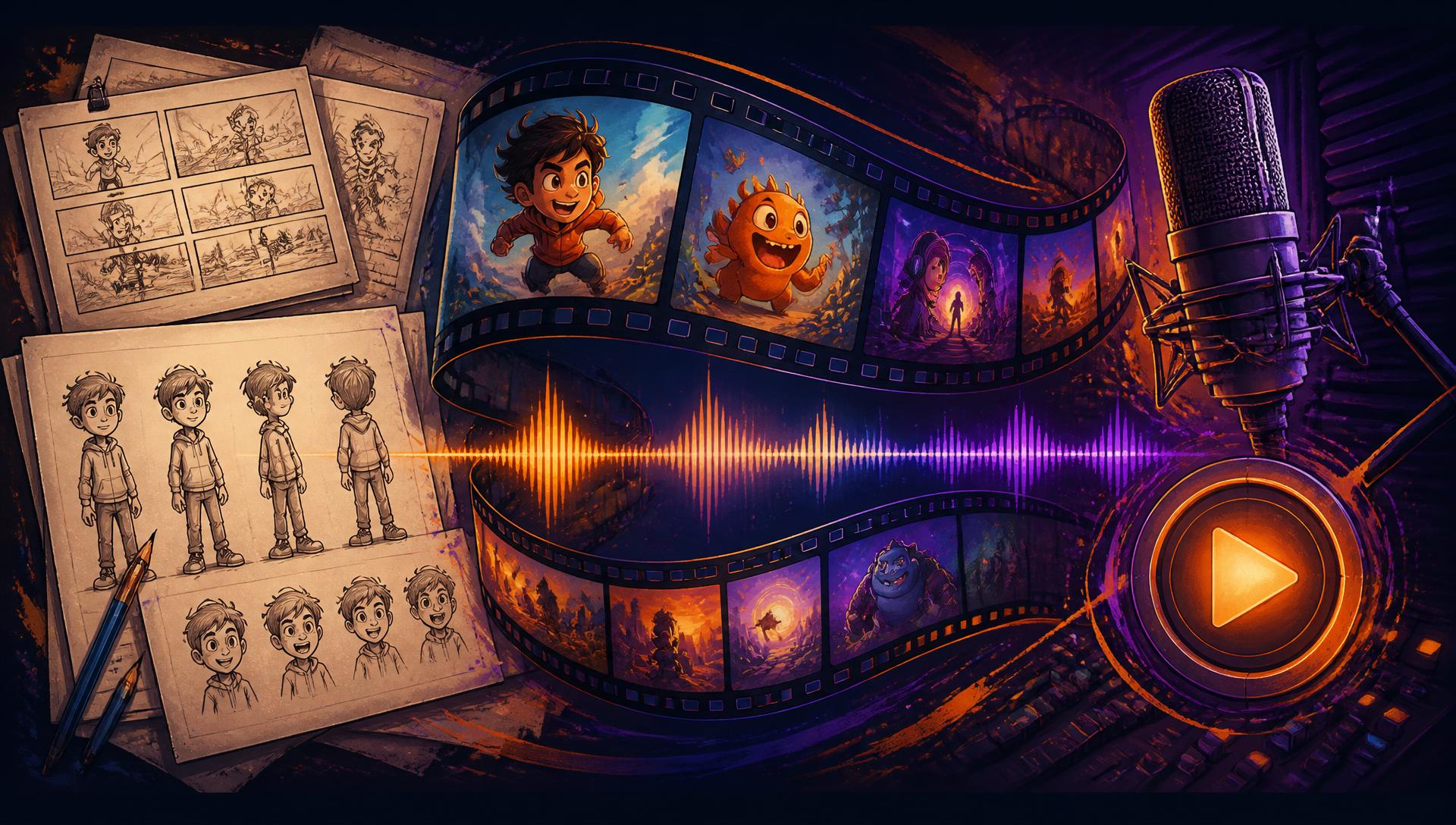
Cartoon video workbench
Toonqo walks a video from a one line idea to script, cast, storyboard, illustrated frames, narration and an MP4 you can upload the same afternoon.
Step 1
An idea becomes a narrated script split into scenes.
Step 2
Characters with locked looks so every frame matches.
Step 3
One illustrated frame per scene, regenerate any of them.
Step 4
Narration per scene, timed to the picture.
Step 5
Camera moves, captions, then a finished MP4.
Every project ends as an upload ready package, not a pile of half finished files.
Rendered in your browser at 720p up to 4K, 24 to 60 fps.
AI picks the strongest frame and packages headline text.
Frames, narration mp3s, music and timing JSON in one zip.
Narration per scene with a music bed that ducks underneath.
Locked looks and a locked art style keep every frame on model.
Rewrite narration, swap a voice, redraw one frame without redoing the video.
Each clip stretches to the recorded narration, so picture and voice always match.
Projects and assets live behind your account with signed, expiring links.
Push in, pull out, pan and drift turn stills into motion.
Export the MP4 or take the asset pack into your own editor.

You stay the director
Toonqo drafts the scenes, draws the frames and records the voice. You keep the calls that matter: what the story is, how it looks and where the camera goes.
7 steps
From a one line idea to an upload ready file
11 voices
Narrator options with per scene overrides
4K
Maximum export resolution, up to 60 fps
Start with a single line. Toonqo handles the rest of the pipeline with you.
Start a video